Part two · Author an announcement
7Choosing who sees it
On this page
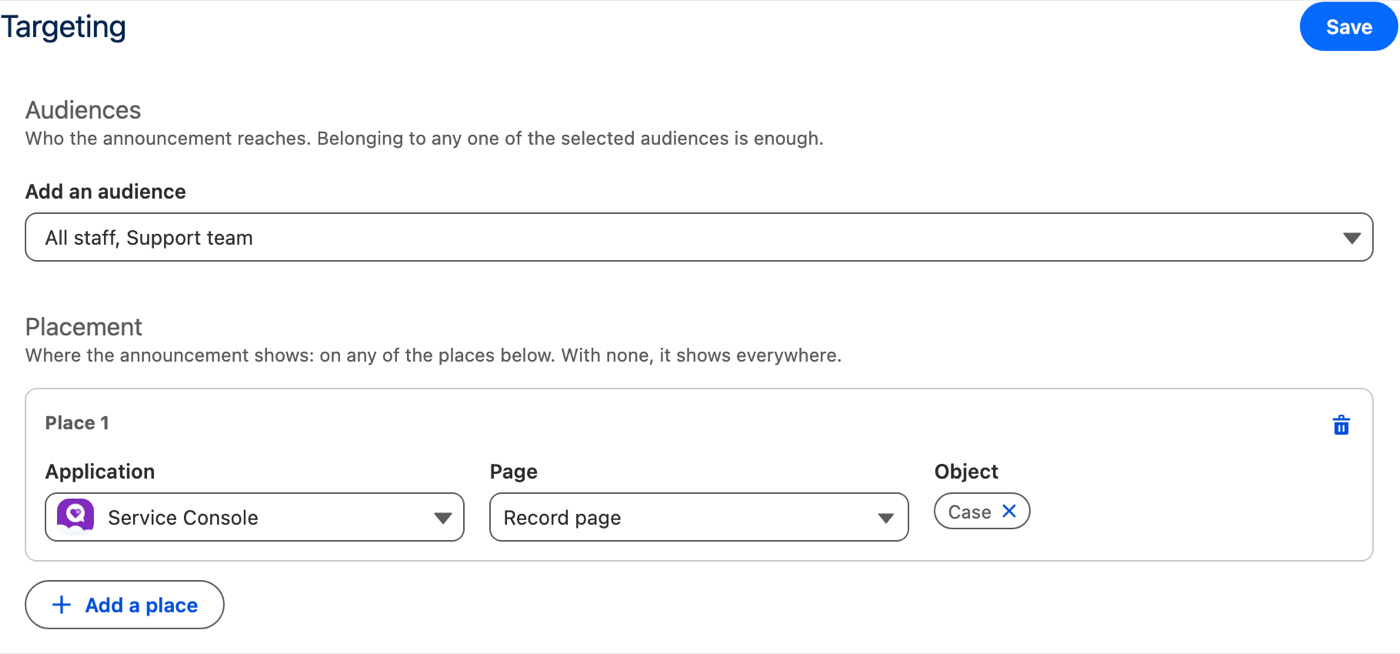
Who is one or more audiences, built by an administrator. Where is the announcement's placement, set by its author. Both are in the Targeting tab.
Audiences#
The author picks audiences by name and description. Belonging to any one of them is enough. At least one is required: the tab will not save without it, and the announcement cannot be published without it. All users reaches everyone. Authors never see the criteria behind an audience.
Placement#
Optional. Each place is an application, a page (Home or record page) and, on a record page, an object — a blank field meaning any. Any place matching is enough. With no place, the announcement shows on every page that carries the host.
Building an audience#
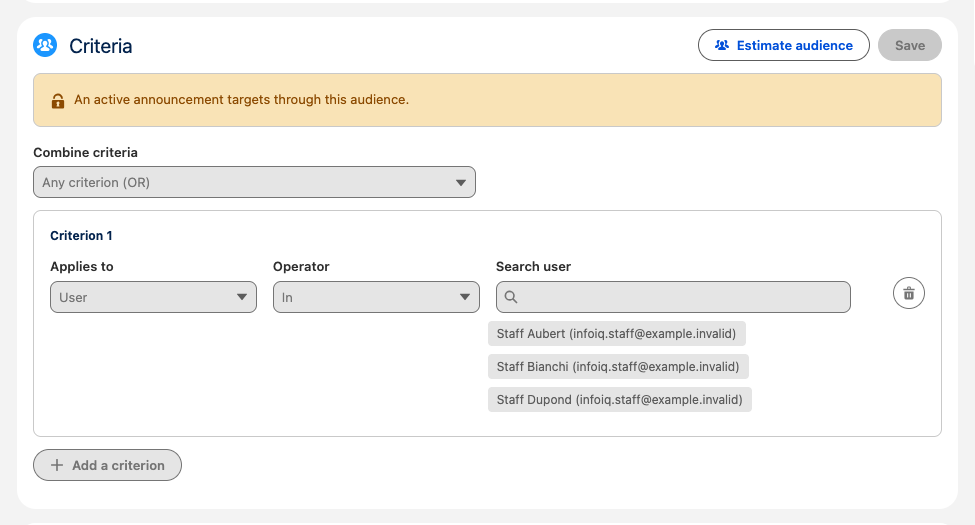
Administrators create audiences in the Audiences tab: a
name, a description authors will read, then criteria on
Profile, User, Role, Public Group or Queue, each
In or Not In a set of values. Combine criteria
says whether any criterion is enough, all must hold, or a custom
expression such as 1 AND (2 OR 3). Estimate
audience counts who matches right now. Group and queue membership
follows roles and nested groups, as Salesforce does.
To retire an audience, untick Active: it leaves the authors' list, and the announcements already using it keep it.
Who an announcement reaches is measured when it is published, so the criteria of an audience used by a published or paused announcement cannot change, by any path. Its name and description can. A terminated announcement releases it. An audience cannot be deleted while any announcement still links to it.