Part one · Install and configure
4Placing the Announcement Host
Announcements only appear where the Announcement Host is. Put it on every page where you want them seen — or once in the utility bar of an app, which covers all of its pages.
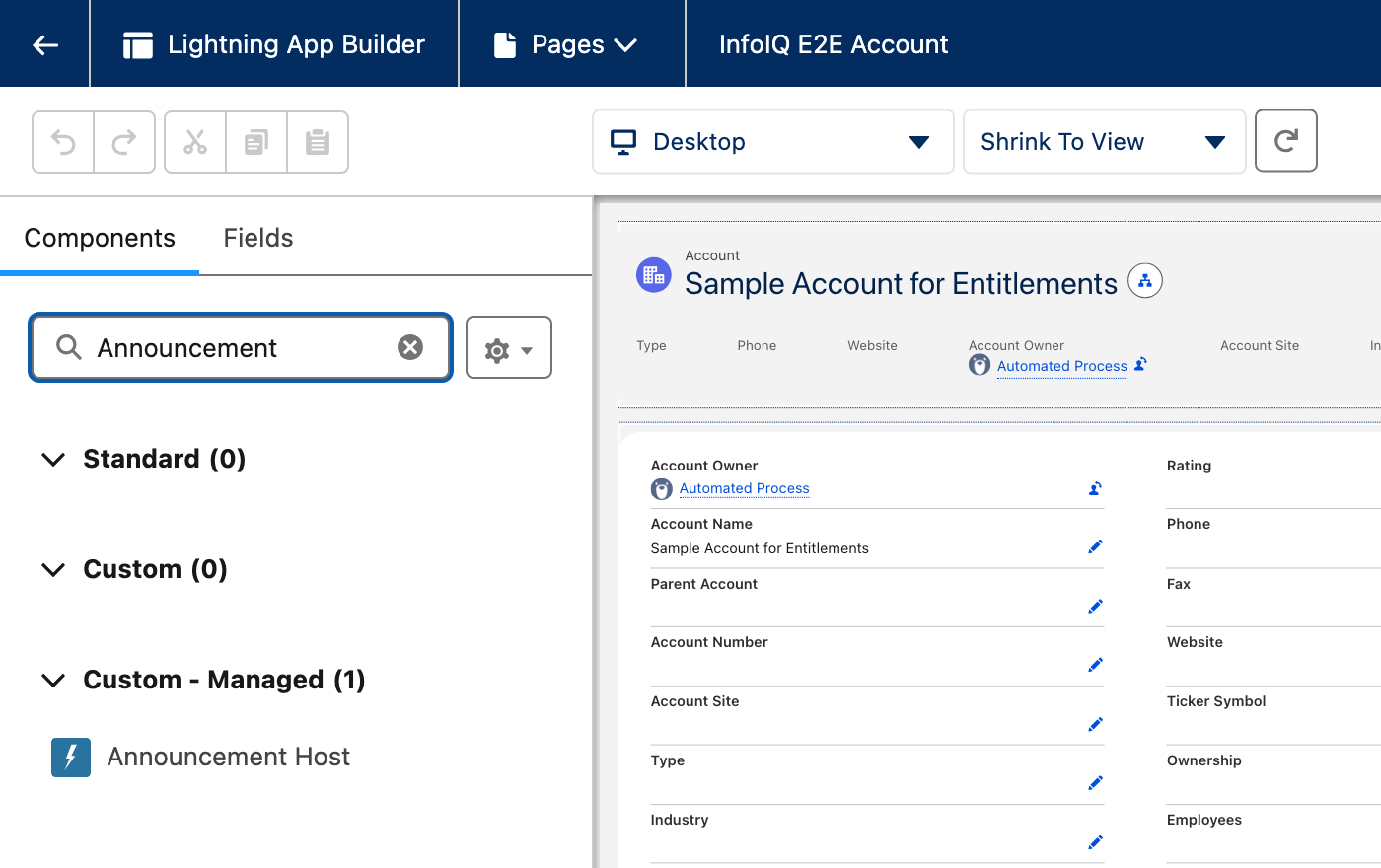
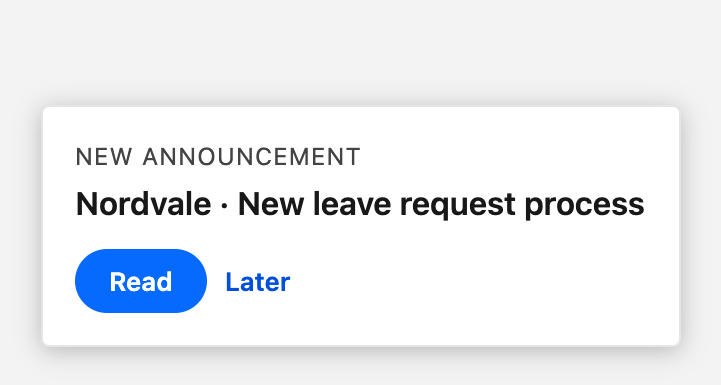
In Lightning App Builder, search for Announcement and drag Announcement Host onto the page. It has no property, takes no room, and shows nothing until a reader has an announcement waiting. It then puts a card at the bottom right of the screen, with Read and Later.
| Where | Behaviour |
|---|---|
| Utility bar | The usual choice. Add it as a utility item and tick Start automatically: it then covers every page of the app, list views included, without anyone opening it. |
| Record page | For announcements about one object, such as cases. |
| Home page | Reaches people as they start their session. |
A page carrying the host twice — on the page and in the utility bar — still shows one card. An announcement placed in a given application (section 7) only appears where that application carries the host.
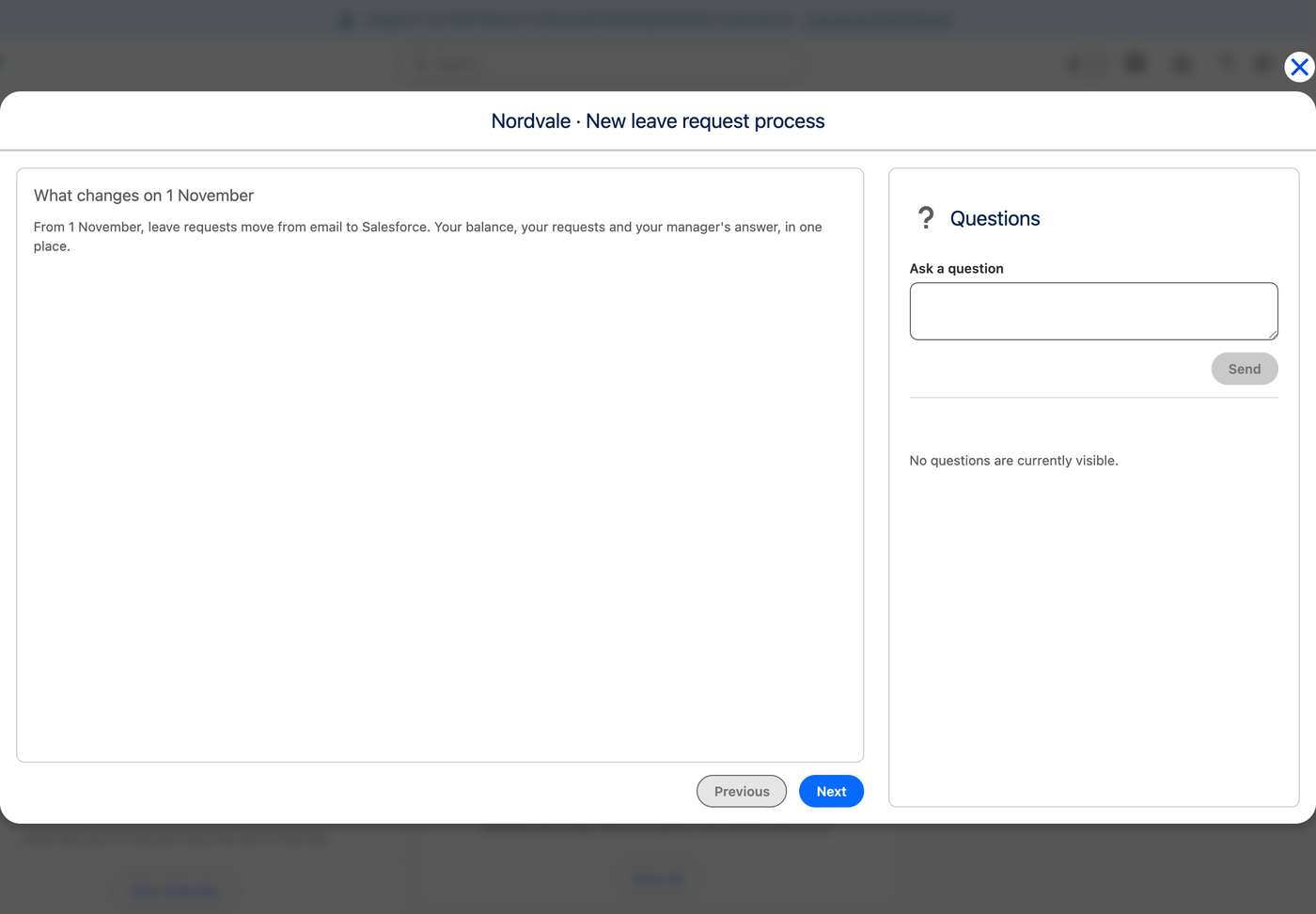
Read opens the announcement in a window, its pages on the left and the questions on the right. Later puts it off for an hour. Once opened, an announcement is not offered again, unless it is Critical and was not closed, or asks for a confirmation the reader has not given. When several are waiting, Critical ones come first, then the one never shown, then the one shown least recently.