Part two · Author an announcement
6Creating and composing
New announcement asks for a title, then opens the announcement's record page. From there, Open Builder writes the pages, the Targeting tab chooses who and where, and Publish sends it. The first time the builder opens, it asks how to start:
| Mode | What happens |
|---|---|
| From Scratch | One empty page to write in. |
| From another announcement | Copies the pages of one you can edit, with the files they show. The targeting, the settings and the attachments are not copied. |
| From PowerPoint |
Drop a .pptx: each slide becomes one page, exactly as
Salesforce renders it.
|
| Page type | Accepted |
|---|---|
| Rich Text | Written in the builder |
| Image | .png .jpg .jpeg .gif .webp |
| Video |
.mp4 .mov .webm .ogg .m4v, uploaded to Salesforce — not
a link
|
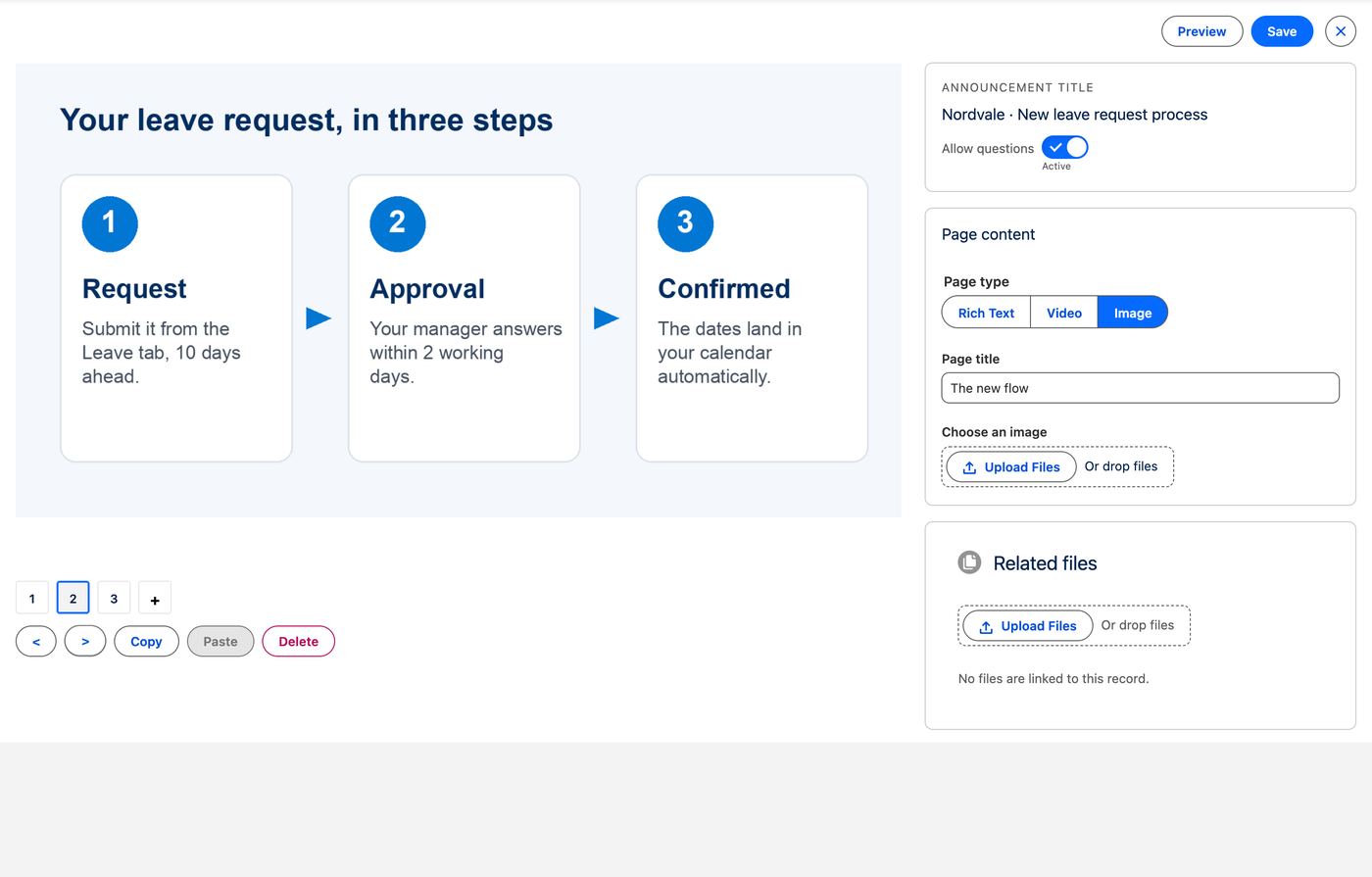
Beside the title, two settings for the whole announcement:
- Allow questions, on by default: readers can ask the author a question from the announcement (section 9).
- Readers must confirm, off by default: the last page carries I have read and understood this announcement, and the announcement keeps coming back until the reader ticks it.
Related files, in the builder, attaches documents readers can open beside the pages.
Priority#
Standard or Critical. A Critical announcement comes first, is marked in red, and offers no Later. Only the Administrator group, or an author given Announcement Critical Priority, can set it; everyone else sees the priority read only.